
MPL Game App – Complete Guide to Download, Install & Play
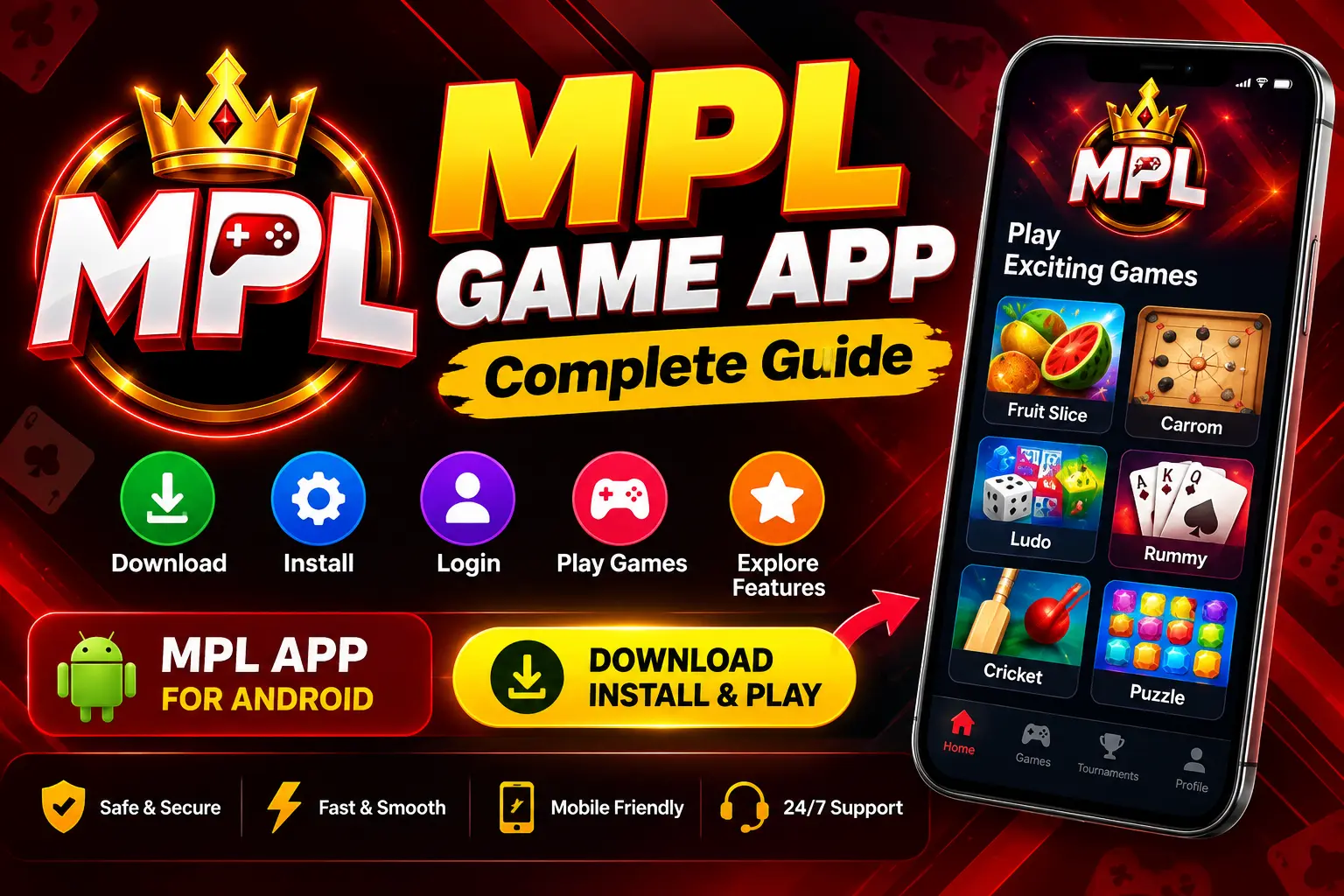
If you are looking for information about the MPL Game App in simple language, this guide is for you. Here, you will find basic information on what the MPL app is, where to get it, how to install it on Android, how to access your account, and what to keep in mind while using the app.
Various types of games are available on MPL, and its website currently showcases the platform for playing these games. The app’s current features and availability may change over time.
What is the MPL Game App?
The MPL Game App is a mobile gaming platform where users can explore and play a variety of online games.
Over time, various categories and games have been featured on MPL, such as:
- Casual Games
- Card Games
- Board Games
- Sports Games
- Puzzle Games
- Arcade Games
- Other skill-based games
It is best to check the app itself to see which games or features are currently available.
What should you know before downloading the MPL Game App?
The first thing to consider when downloading the app is the source.
You may find many third-party websites offering APKs named “MPL” on the internet. It is not safe to assume that every APK file is genuine or up-to-date.
Therefore:
- Check the official MPL website.
- Carefully examine the domain of the download source.
- Avoid modified APKs from unknown websites.
- Verify the file/source before installing the APK.
- Be cautious if any website asks for an OTP, password, or sensitive banking information.
In its security guidelines, MPL Game advises users not to share their OTP with anyone and to remain cautious of fake support numbers, calls, or messages.
How to install the MPL Game App on Android?
If an Android APK is currently available from MPL, the general process is as follows:
Step 1: Check the Download Source
First, visit the official MPL website and check for the available download option for the Android app.
Step 2: Download the APK
If the APK option is available, download the APK file from a trusted source.
Step 3: Open the File
Once the download is complete, locate the APK file in your phone’s ‘Downloads’ folder.
Step 4: Grant Installation Permission
Your Android phone may ask for permission to install an app from an unknown source. Verify that the source is trusted before granting permission.
Step 5: Install the App
Start the installation and allow the process to complete.
Step 6: Open the App
After installation, open the MPL app and follow the on-screen instructions.
How to log in to the MPL Game App?
If a login option is available in your current version of the MPL app, the general steps are:
- Open the MPL app.
- Select the ‘Login’ or ‘Account’ option.
- Enter your registered mobile number or use the available login method.
- Complete the required verification.
- Access your account and view the app dashboard.
Never share your OTP with anyone. In accordance with MPL’s security guidelines, do not share sensitive information with strangers calling as support representatives.
What games are available on MPL?
Previous game listings on MPL have included various categories such as card, casual, board, and sports games. For example, games like Fruit Slice and Badam Satti have appeared on MPL pages.
However, game availability is subject to change. Therefore, it is better to check directly in the app whether a specific game is currently available.
Security Tips for Using the MPL Game App
Exercising a little caution while using the online gaming app can significantly enhance your account security.
1. Do Not Share Your OTP
Your OTP is a personal verification code; do not share it with anyone.
2. Beware of Fake Support
According to MPL’s security guidelines, do not trust unknown phone numbers or calls claiming to be from the support team. Use official in-app support channels for assistance.
3. Avoid Modified APKs
It is safer to stay away from unknown files making claims like “unlimited coins,” “mod APK,” or similar.
4. Protect Personal Information
Do not share passwords, OTPs, bank details, or other sensitive information with strangers.
5. Check for App Updates
Regularly check the MPL app for the latest available version and current instructions.
What to Do If the MPL App Won’t Install?
If the APK fails to install, you can check the following basics:
- Check if there is sufficient storage space on your phone.
- Check if the APK file has downloaded correctly.
- Check if your Android version is compatible.
- Check if you need to download the file again.
- Restart your phone and try again.
- Use a trusted source instead of a modified APK.
If the issue is related to your account or the app, the MPL Help Center offers information on Login, Games, Tournaments, and other FAQs; an in-app chat option is also available for support.
MPL Game App and Responsible Gaming
Gaming should be viewed primarily as a form of entertainment. Especially when participating in paid contests or activities involving financial transactions, it is important to consider applicable rules, age restrictions, and current availability.
MPL Game’s Fair Play section provides information regarding fair gameplay, cheating prevention, and player protection measures.
Final Words
When looking for information about the MPL Game App, the most important step is to verify the download source and the app’s current availability. Not all information found on third-party APK websites is necessarily accurate.
Before downloading or installing, check the official MPL website, be cautious of unknown APK files, and do not share OTPs or sensitive account information with anyone.
According to MPL’s support information, the Help Center and in-app support channels are available for app-related issues.
Frequently Asked Questions
Yes, the MPL game app is available for Android devices here.
Yes, downloading this app is completely free, though download availability and current app features may change over time.
Downloading from just any random APK website is not advisable, as there may be risks associated with modified or unsafe files. Use a trusted source.
First, check your login/OTP details. If the problem persists, you can use the Help Center or support channels within the MPL app.
No, only individuals aged 18 and above can download or use this APK.